Set up your broker connection
This setup takes about 5 minutes. We'll guide you through each step to create a secure, direct connection between Tukhe and your broker.
Install IBKR Trader Workstation - TWS
Go to www.interactivebrokers.ie
At the bottom of the page, click on Trader Workstation under Software & Downloads
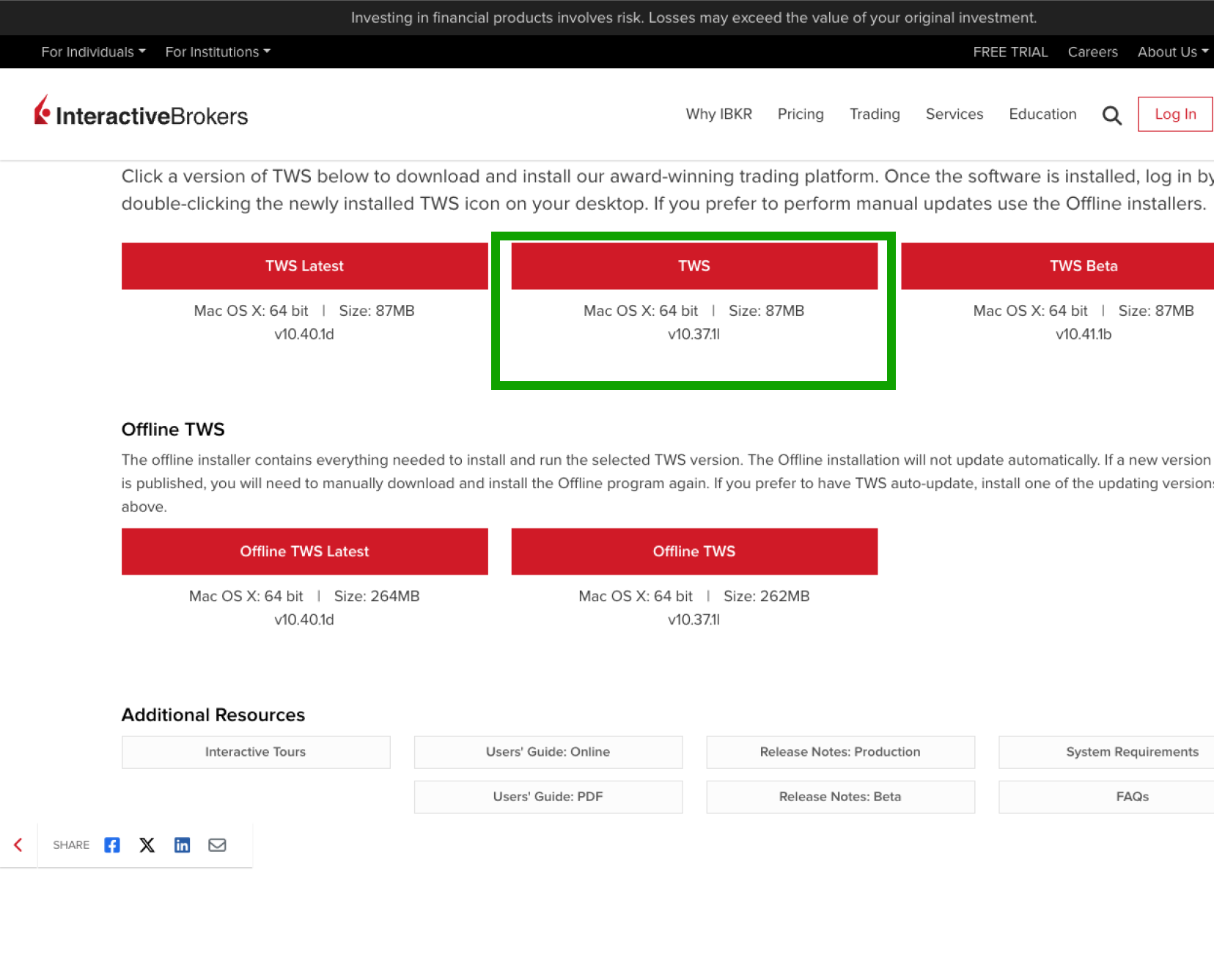
Download the correct TWS version and run the installer
Download TWS standard version (not TWS latest) as it is more stable.
Already have TWS installed? Skip directly to step 2.
Launch TWS
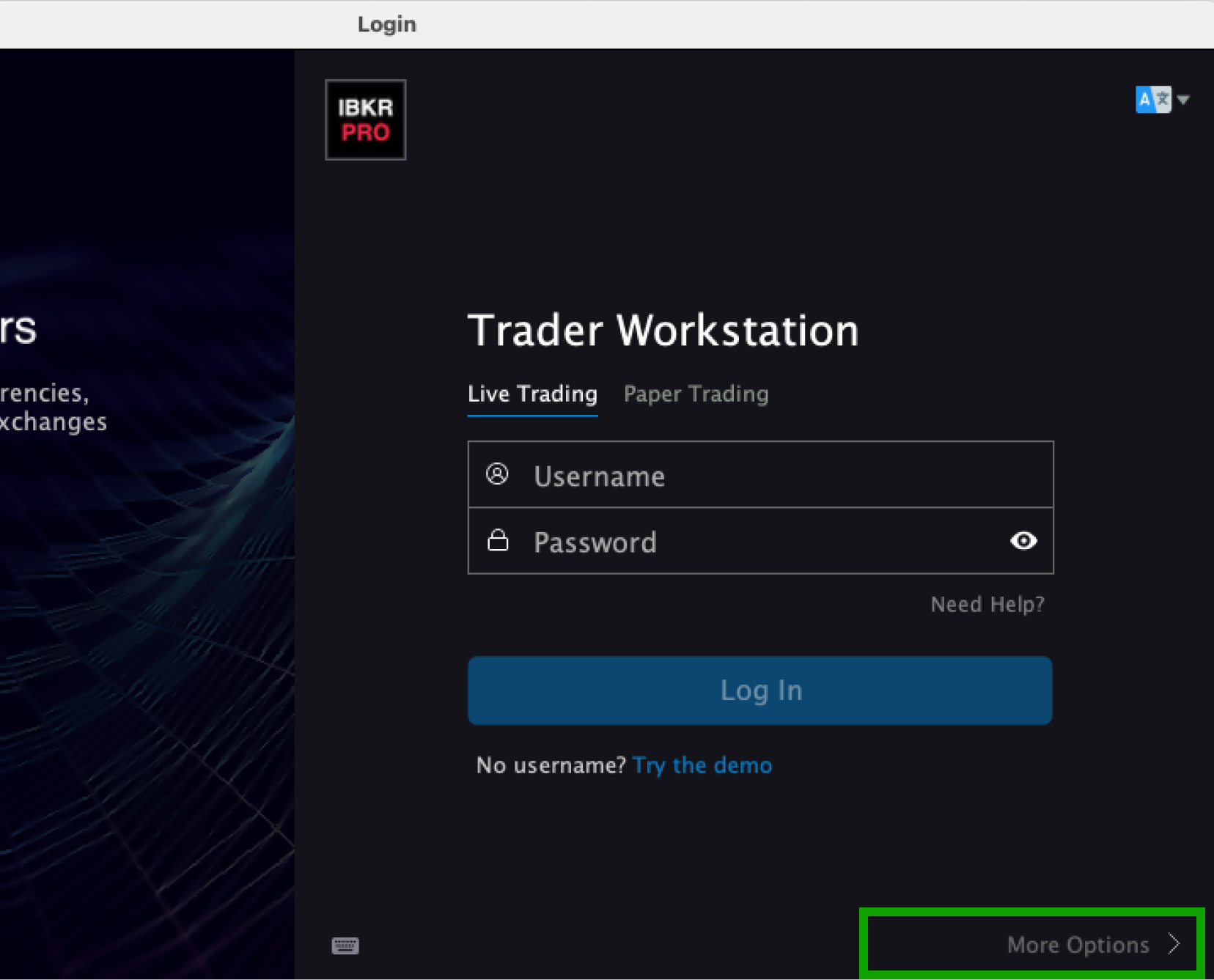
Open TWS and set default language to English before logging in
Log in TWS Live Trading account with your IBKR credentials
Complete the two-factor authentication if prompted
TWS must be set to English language. If your TWS is in another language, change it to English in the settings before proceeding to ensure proper data formatting.